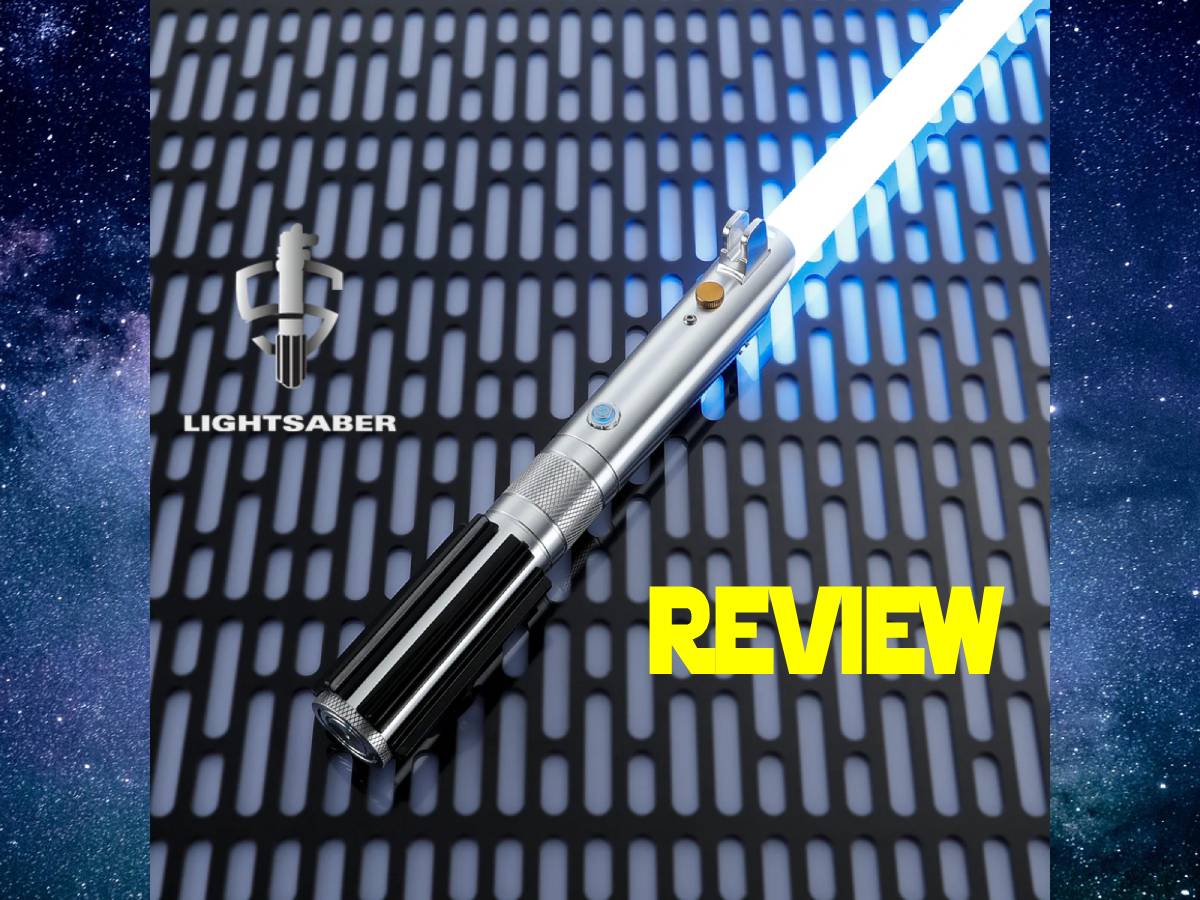
I’d hazard a guess that there are more than a few fans of Star Wars among our GeekDad readers. And I’m also willing to bet that there’s a fair share of Star Wars cosplayers in that group, too. Whether you’re a fan of the original trilogy, the prequels, or The Mandalorian, there’s one thing that Star Wars cosplayers can agree on: you need a good lightsaber.
I recently discovered the wide variety of sabers available from a company called, appropriately enought, LIGHTSABER. They were good enough to send me one of their most popular models, the Anakin Skywalker lightsaber, to check out for myself.
What Is the LIGHTSABER Anakin Skywalker Lightsaber?
The Anakin Skywalker Lightsaber from LIGHTSABER is a duel and cosplay-ready saber with an aluminum-alloy hilt and separate polycarbonate blade.
The Anakin Skywalker Lightsaber comes in two versions: one with a 36″ RGB blade, and one with a 36″ PIXEL blade. The RGB lightsaber retails for $299.99, but at the time of this writing, is on sale for $99.99. The PIXEL lightsaber retails for $499, and is also on sale for $198.99. An RGB blade is more durable and affordable, while a PIXEL blade has more cinematic realism and customization. You can read about the full differences in the blades here.
LIGHTSABER sent me the Anakin Skywalker Lightsaber with a PIXEL blade, which has the following specifications:
- Sound Fonts: 34 Sound Fonts Presets +SD card
- Color: Infinite Color Changing
- Light: 50 Watt & over 250 LEDs in the blade itself
- Hilt Material: Aircraft-grade Aluminum Alloy
- Blade Material: Polycarbonate (PC)
- Blade Length: 36″ (92cm)
- Charging Type: Type-C fast charging
- Battery: Rechargeable
- Dynamic Combat Effects: Realistic flash-on-clash and blade lock-up effects triggered during dueling.
- Long-Lasting Power: Rechargeable 3000mAh Li-ion battery supports extended cosplay and use without frequent charging.

Unpacking the LIGHTSABER Anakin Skywalker Lightsaber
The Anakin Lightsaber arrived in a simple black box. Unpacking the box, I found the following items:
- 1x Hilt with Core & Rechargeable Battery
- 1x Blade (Polycarbonate material support dueling)
- 1x Emitter
- 1x Type C Charging Cable
- 1x User Manual
- 1x Tool kit for adjustments
- 1x Gloves
Normally, the lightsabers ship with a premium case. However, because of the current promotion with its large discounts, the premium case is not included and must be purchased separately.

A pair of white cotton gloves is included in the box, presumably to keep fingerprints off of the shiny metal surface of the lightsaber hilt. Thankfully, the hilt is not as much of a fingerprint magnet as I feared when I saw those gloves inside the box.

The hilt of the lightsaber has a nice heft to it, thanks to the machined metal construction. The only plastic to be found is at the base of the hilt, and is decorative.

Screwed to the base of the hilt is a Covertech wheel. These wheels allow you to hang your lightsaber from a belt that has a Covertech belt clip attached. Covertech belt clips are easy to find, and can be found from many vendors like this official one from Disney’s Galaxy’s Edge.

The Anakin Skywalker lightsaber has a drop-0ut core, which functions as the battery, light control, sound, and processor of the lightsaber. You can access it by unscrewing the cap at the base of the hilt.

One side of the core has a power switch, as well as the SD card reader. An SD card is already installed, containing multiple sound and light presets. When you turn the core over to its other side, you can see the USB-C charging port, as well as a nice detail on the rechargeable battery.

If you want to use the lightsaber as a cosplay prop hanging off your belt, then you can insert the included emitter into the hilt. This replicates the look of the hilts from the Star Wars movies, before the blades have been ignited.

Using the LIGHTSABER Anakin Skywalker Lightsaber
To attach the lightsaber blade to the hilt, you simply insert it, and then secure it using a couple of screws and a hexkey from the included toolkit. After powering on the core, you put it back inside the lightsaber and are ready to go.
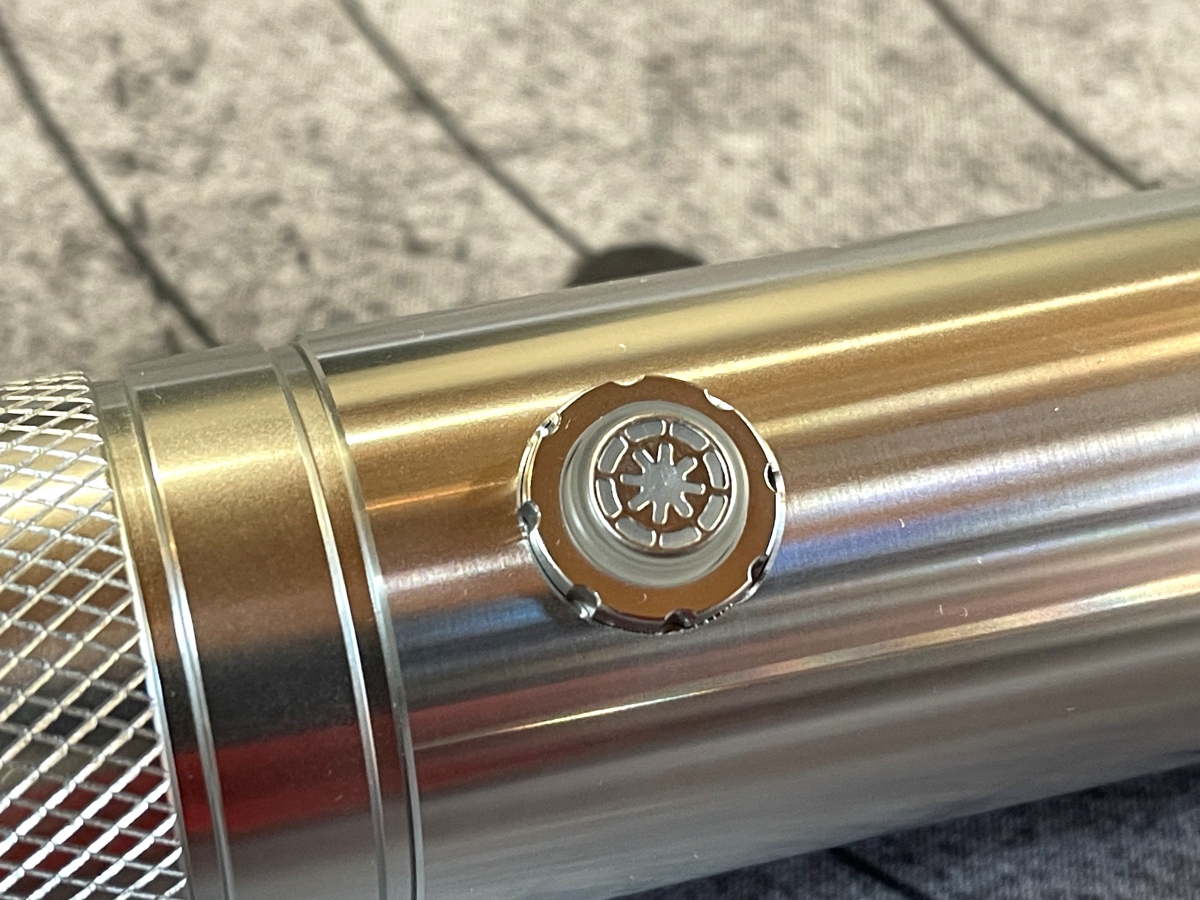
At its most basic operation, the LED button can be quickly pressed to ignite the lightsaber. By default, the Anakin Skywalker lightsaber is set to the color and sounds we are familiar with when Anakin uses it in the movies.

Besides powering the lightsaber on and off, the LED button can be used to adjust multiple settings. You can adjust volume, change the color and effects of the lightsaber, and even play different music tracks.
The lightsaber also responds to motion controls. You can ignite the lightsaber, turn it off, play music, and create different sound and light effects by thrusting or twisting the lightsaber. Here’s a short video I shot, using a combination of motion controls and the LED button to operate the lightsaber.
Needless to say, you will also get sound and light effects by clashing one lightsaber against another. However, as I only had the one saber, I wasn’t able to get a full-on duel going to demonstrate.
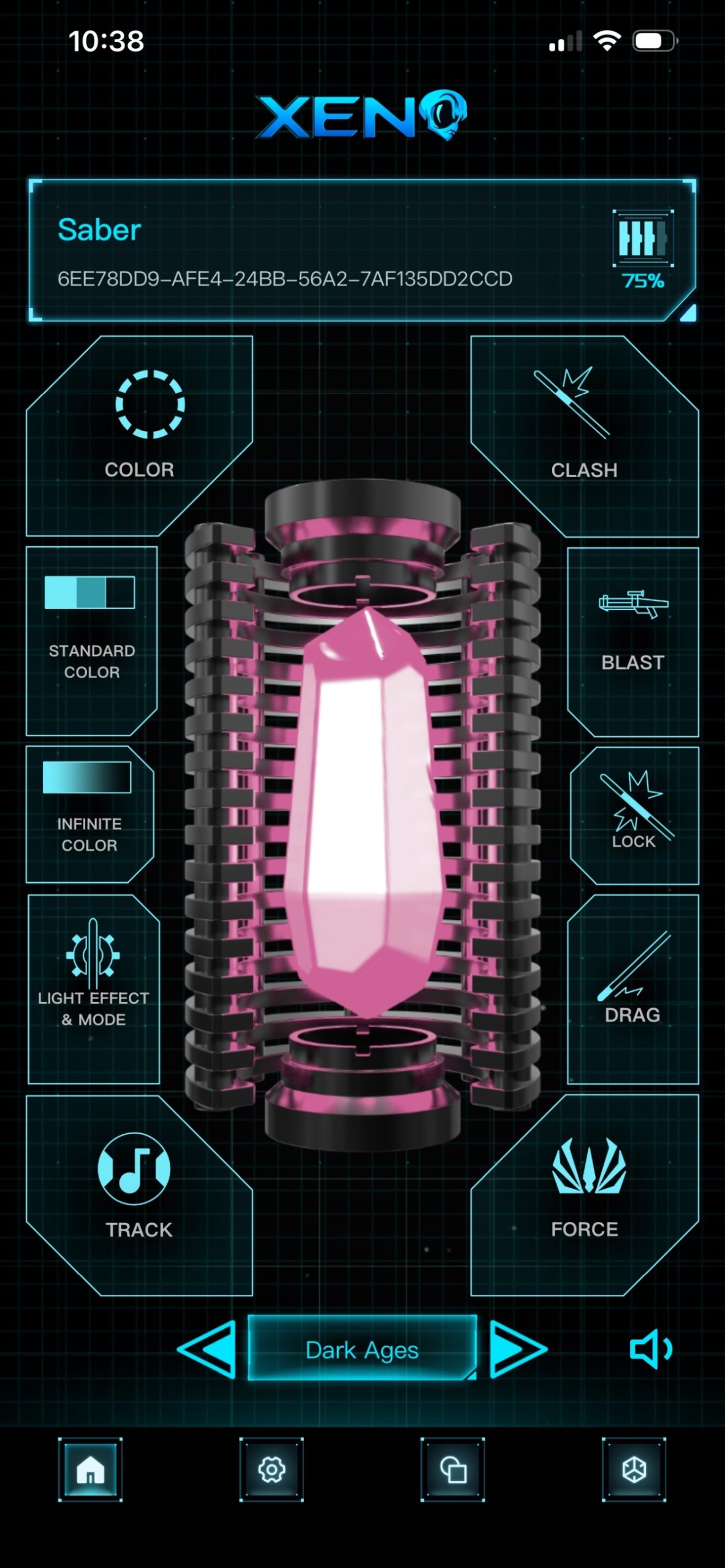
Another way to adjust settings is by using the free XENO app. The app allows you to connect the core of your lightsaber via Bluetooth, where you can not only cycle through many of the preset lightsaber “fonts”, but also customize the settings to a highly granular degree.

I found the XENO app to be the easiest way to get my lightsaber set up the way that I wanted. It’s easy to use, and will generally make your life happier than trying to adjust settings using the LED button on the lightsaber.
While the authentic lights and sounds of this lightsaber is a great representation of Anakin’s saber, as I mentioned previously, there are several other presets that allow you to create an entirely different lightsaber blade. At a basic level you can simply change the color, or you can go for settings that dramatically change the lights, sounds, and effects of the lightsaber.
The LIGHTSABER Anakin Skywalker Lightsaber – Final Thoughts
I’ve really enjoyed my time with the LIGHTSABER Anakin Skywalker Lightsaber. In the past, I’ve only had toy lightsabers to play with, but this one definitely doesn’t feel like a toy. The all-metal construction lends a heft and solidity to the hilt, making you feel like you’re carrying around an actual lightsaber. The motion controls, and light and sound effects, add to that feeling.
Because there are so many options that are controlled by the single LED button, I found it sometimes difficult to adjust a particular setting I was looking for. The XENO app is much more straightforward in those regards. I’m sure over time I’d become more comfortable with using the LED button, but there definitely is a learning curve to it.
With the current promotion going on at LIGHTSABER, it’s a great time to get one of their sabers. Besides the Anakin Skywalker model, there are plenty of others to choose from, including Ben Kenobi’s, Darth Maul’s, and even the Darksaber from The Mandalorian. The price to value ratio is really good, and you’ll get a lightsaber that will serve you well for cosplay, dueling, or even just to display on your shelf.
For more information or to purchase the Anakin Skywalker lightsaber, head over to the LIGHTSABER website.
LIGHTSABER provided a unit for evaluation, but had no input into this review. As an affiliate, I may earn a small commission on qualified purchases.